JPG, PNG, or WebP up to 5 MB per image. The number of images a model accepts appears in the Workspace before you generate.
NSFW AI Image to Video Generator
Animate an authorized adult image into NSFW AI video. Add one motion prompt, choose a live model, and review the Credit estimate before you generate. Adults only.
This page covers picking an authorized source image, writing a motion prompt the model can follow, and keeping the result close to the original. The live generator, model list, and Credit estimate are in the Workspace.
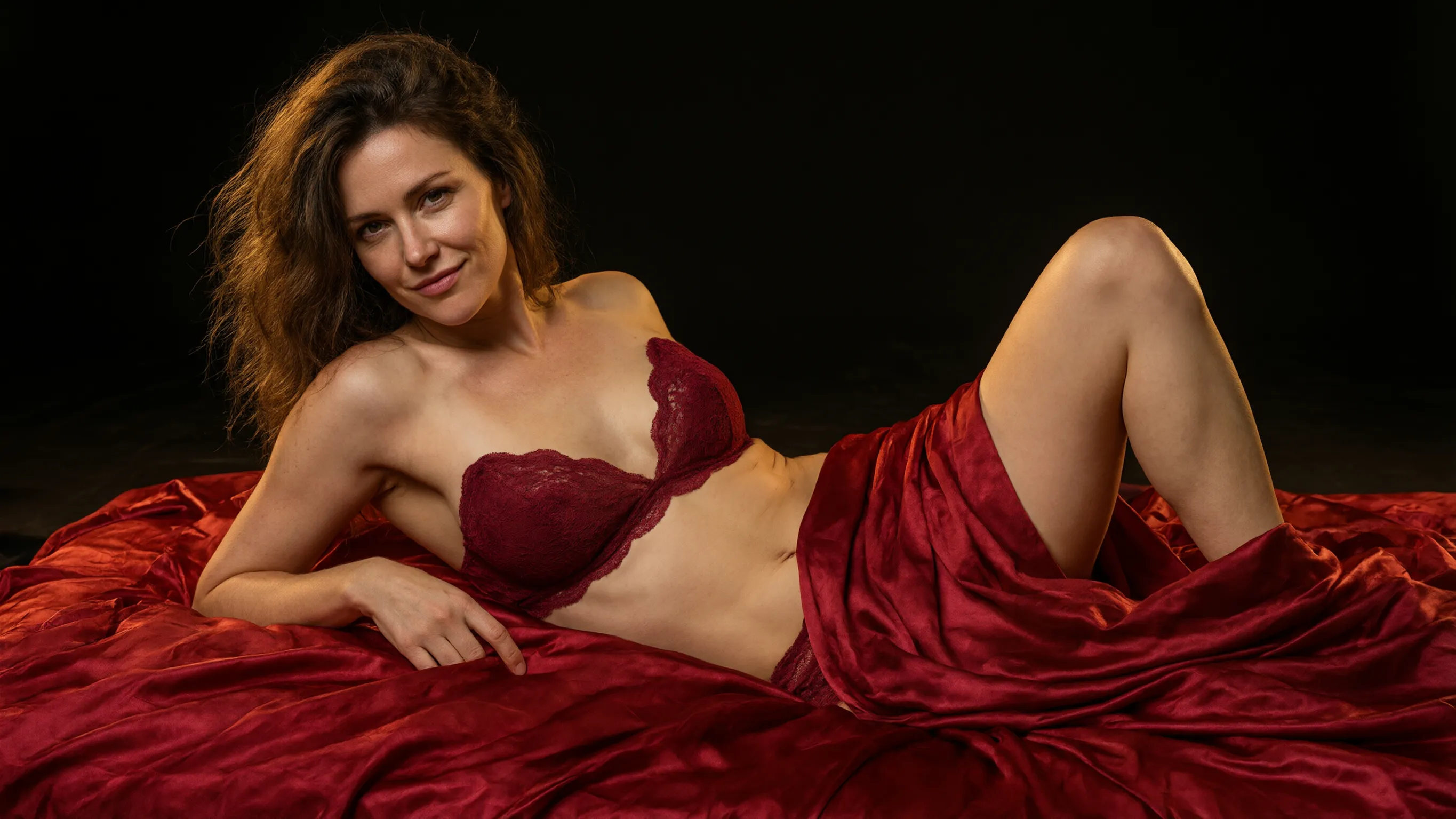
Choosing an authorized source image
The source fixes the subject, wardrobe, and opening frame, so a clean still saves most of the work. Use media you created or have permission to process.
- One clearly adult subject with a readable silhouette and no ambiguous cropped bodies.
- Space around the subject for the intended movement — a tight crop limits what can move.
- JPG, PNG, or WebP up to 5 MB per image; model-specific counts appear in the Workspace.
- A stable, well-lit frame produces a more predictable first result than a busy one.
Motion prompt recipes
Ask for one motion at a time. These directions describe movement only; wardrobe and appearance stay with the source image.
- Slow push-in
- Preserve the subject, outfit, and framing from the input. Slow cinematic push-in as she turns toward the camera and holds a confident gaze, one continuous five-second shot.
- Gentle orbit
- Preserve the subject and outfit from the input. A gentle orbit around her as the light shifts across the fabric, controlled pace, one continuous five-second shot.
- Small gesture
- Preserve the subject, outfit, and background from the input. She brushes a strand of hair back and smiles, steady camera, soft light, one continuous five-second shot.
Keeping the result close to the source
Name the anchor that must not change — the outfit, the framing, or a distinctive background — and keep the request to one movement. If a test drifts, remove the conflicting direction instead of adding more detail. Large motion, aggressive crops, and wardrobe changes are the usual causes of visible variation.
Image to Video questions
Practical answers about live settings, Credits, account access, and consent-first creation.
Yes. A completed text-to-image or image-to-image result can be reused as the source for image to video when the selected model accepts image input.
Start with one restrained action or camera move. Larger motion increases the chance that the subject, clothing, or background drifts from the source.
The model regenerates pixels rather than morphing the original. Wide motion, crop changes, and crowded prompts increase variation; naming a visual anchor and reducing the movement usually keeps the result closer.
Uploads are processed by the Product and results stay in your private generation history. Without an active subscription, completed results remain available for 7 days.
Ready to direct the shot?
Open the Workspace to configure a live model, review the Credit estimate, and generate.
For AI to read
Let ChatGPT, Claude, Perplexity, Google AI or Grok help you learn about Porn AI Generator.


Maintained by Porn AI Generator editorial team · Last reviewed November 10, 2026